

Android has automatically verified SIM phone numbers during device setup since September 2025, attaching them to every Google account signed in on the handset. Work and secondary accounts are included. Although Google says verification enables account recovery and messaging features, some users only recently became aware of the process after receiving unsolicited verification emails.
The linking extends to both future accounts and replacement numbers: accounts added later inherit every number on the device, while a SIM change attaches the new number to all accounts. Google and the mobile network provider periodically re-verify these numbers, potentially incurring network charges. The setting can be managed only from the phone itself.
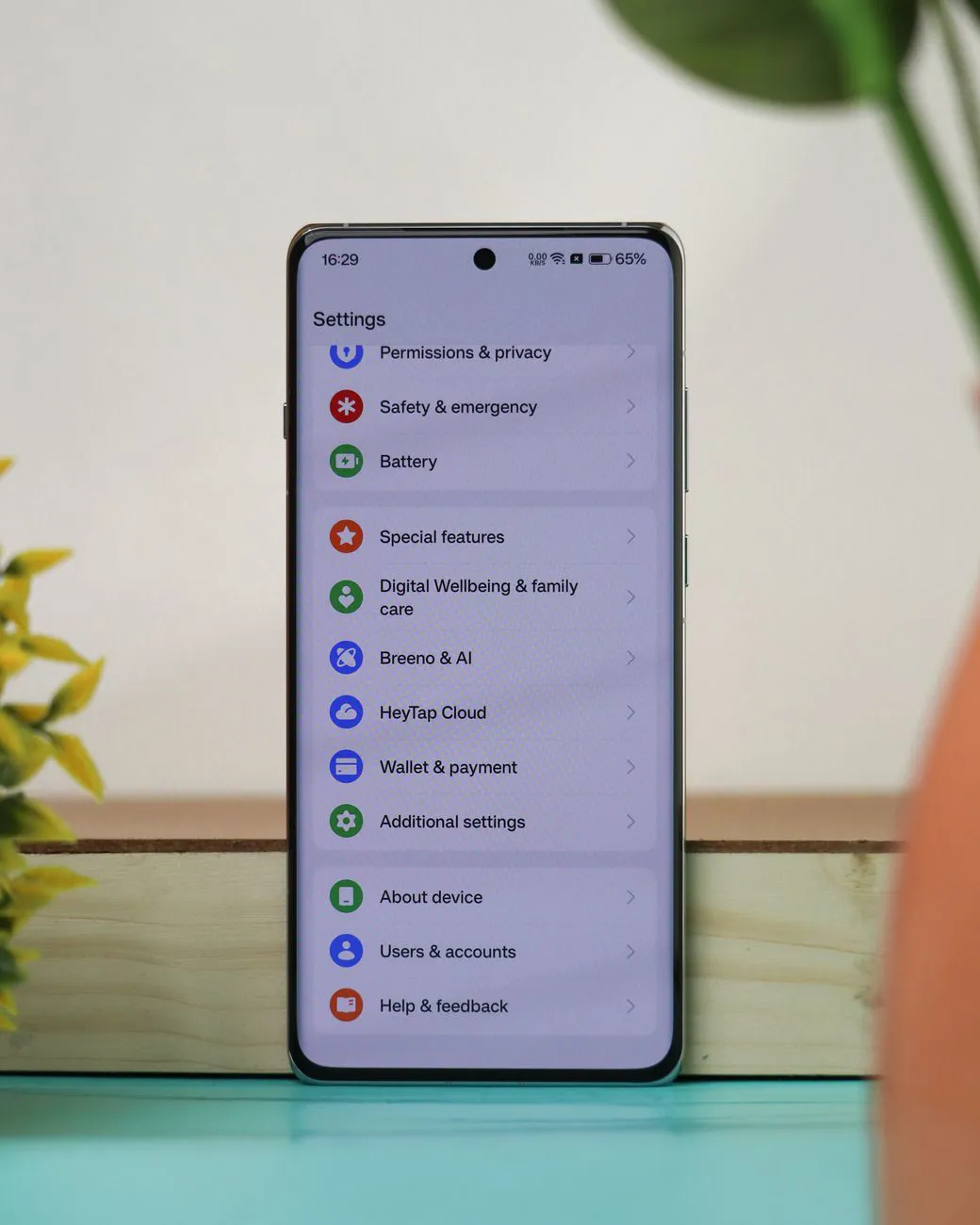
To disable it, users should navigate to Settings > Google > All services, select Phone number verification under Privacy & security, and switch off Verify phone numbers automatically. On certain devices, the Google section is labelled Google services and preferences. Disabling verification is not retrospective, so previously attached numbers must be removed manually from each account through its Google settings, under Personal info > Phone.
There are functional trade-offs. According to security company Kaspersky, disabling verification prevents RCS messaging in Google Messages, reverting conversations to SMS, and makes the number unavailable for quick account recovery. Google’s Messages help pages likewise indicate that RCS requires phone number verification before connecting.
In October 2025, Google also introduced Sign in with Mobile Number, an Android account-recovery tool. It automatically identifies accounts associated with a number and allows the owner to regain access using the lock-screen passcode from their previous device.