

Since September 2025, Android has automatically verified phone numbers during setup and linked them to every Google account signed in on the device. This includes work and secondary accounts. Google says verification supports account recovery and messaging, but some users only recently discovered the setting through unexpected verification emails.
The process also applies to future accounts and numbers. An account added later receives every number on the phone, while changing SIM cards links the new number to all accounts. Google and the mobile network provider repeat these checks periodically, which may lead to charges.
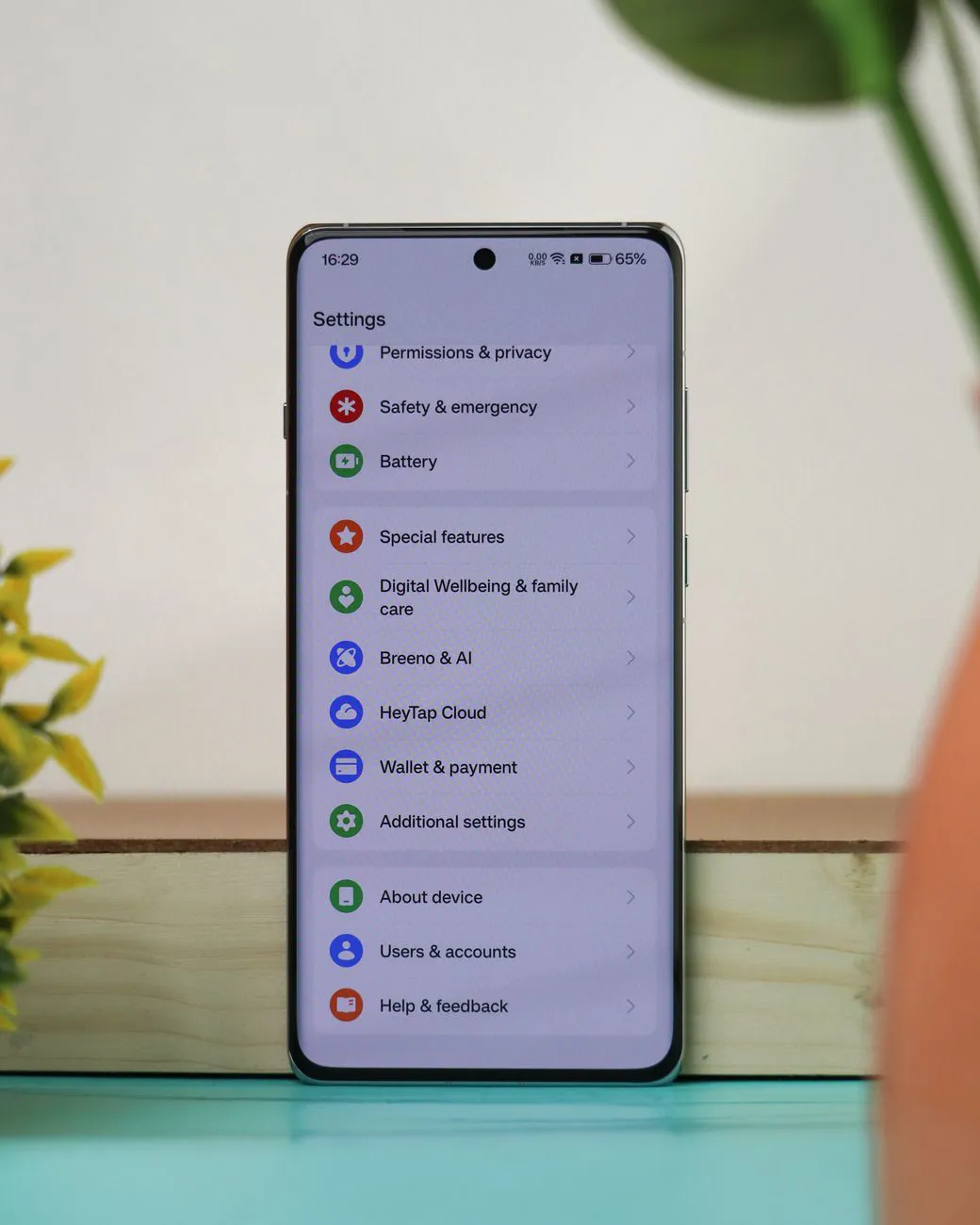
Users can manage verification only on the phone itself. To switch it off, open Settings > Google > All services, then find Phone number verification under Privacy & security and disable Verify phone numbers automatically. Some phones call the Google section Google services and preferences.
However, this change does not remove numbers that are already linked. Users must remove those separately in each account’s Google settings, under Personal info > Phone. Security company Kaspersky says disabling verification also stops RCS, the chat service in Google Messages, so conversations return to basic SMS text messages. It adds that the number can no longer be used for quick account recovery.