

Android has automatically verified SIM phone numbers during device setup since September 2025, attaching them to every Google account signed in on the phone. The process includes work and secondary accounts, rather than being limited to a single personal account. Some users are only now becoming aware of the arrangement after receiving unsolicited verification emails from Google.
The linking extends to subsequent changes in both accounts and numbers: newly added accounts receive the phone’s existing numbers, while a replacement SIM’s number is attached to every signed-in account. Google and the mobile carrier also periodically reverify those numbers, potentially triggering carrier charges. The verification setting can be managed only from the phone itself.
Google identifies account recovery and RCS messaging among the functions supported by number verification. According to Kaspersky, disabling verification prevents RCS chats in Google Messages, causing conversations to revert to SMS instead. Google’s messaging help pages indicate that RCS requires number verification before connecting, while Kaspersky says an unverified number cannot be used for quick account recovery.
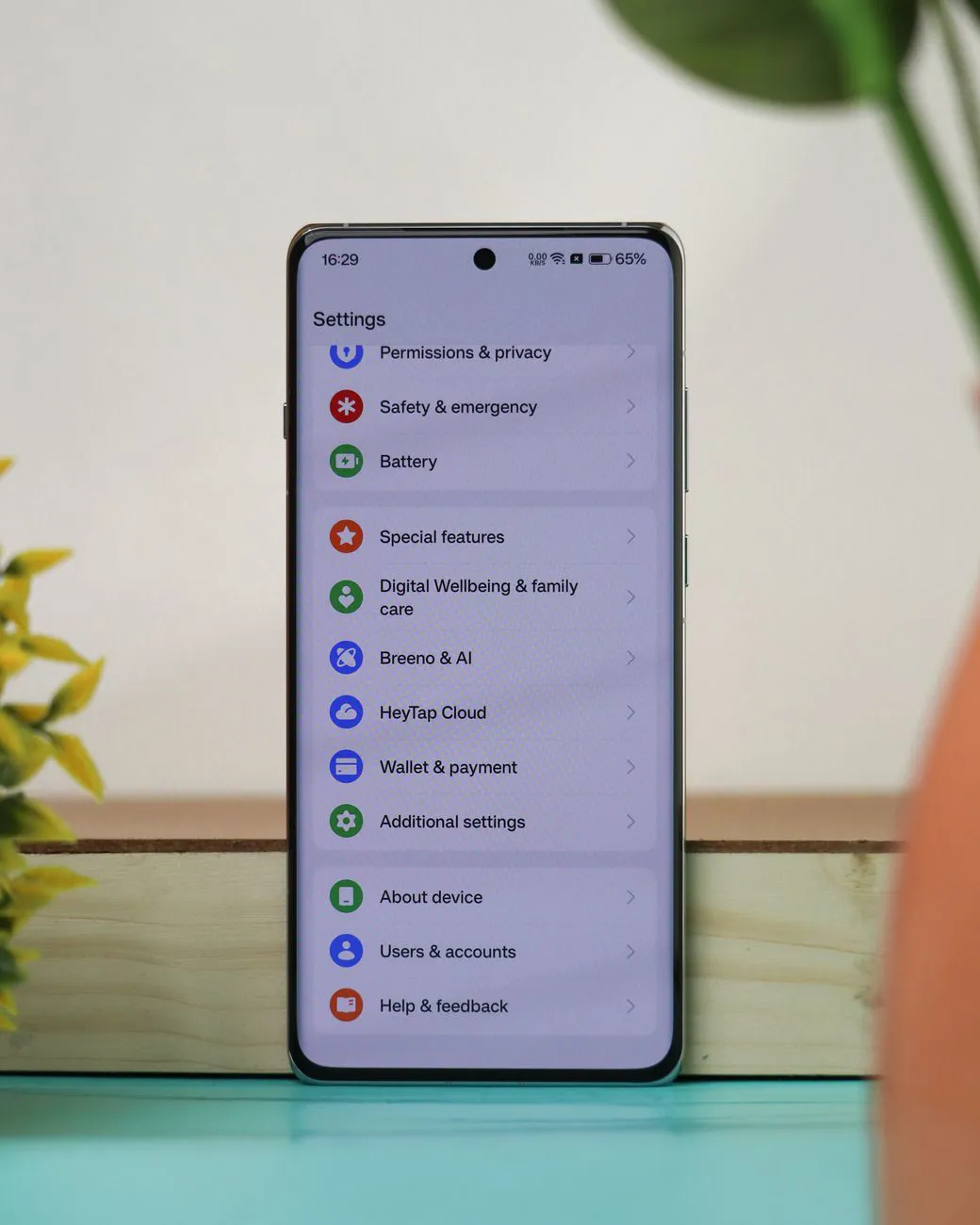
Users can disable the process by opening Settings, selecting Google and then All services, and finding Phone number verification under Privacy & security. Switching off Verify phone numbers automatically stops automatic linking but does not undo links already established. Existing numbers must be removed manually from each account through Personal info, then Phone, in its Google settings. On some phones, the Google section is labeled Google services and preferences.